
Help · 01
Getting started
How Zudoria is organised, how the 30 usage days are counted and how to activate the full version.
What Zudoria is
With Zudoria you create training on equipment, machinery and work processes and pass it on as a course file. Employees and customers open the file in Zudoria and learn on their own device, even without internet. You don't need an account.
Zudoria runs on Android phones and tablets. You install the app free of charge from Google Play.
Two areas in one app
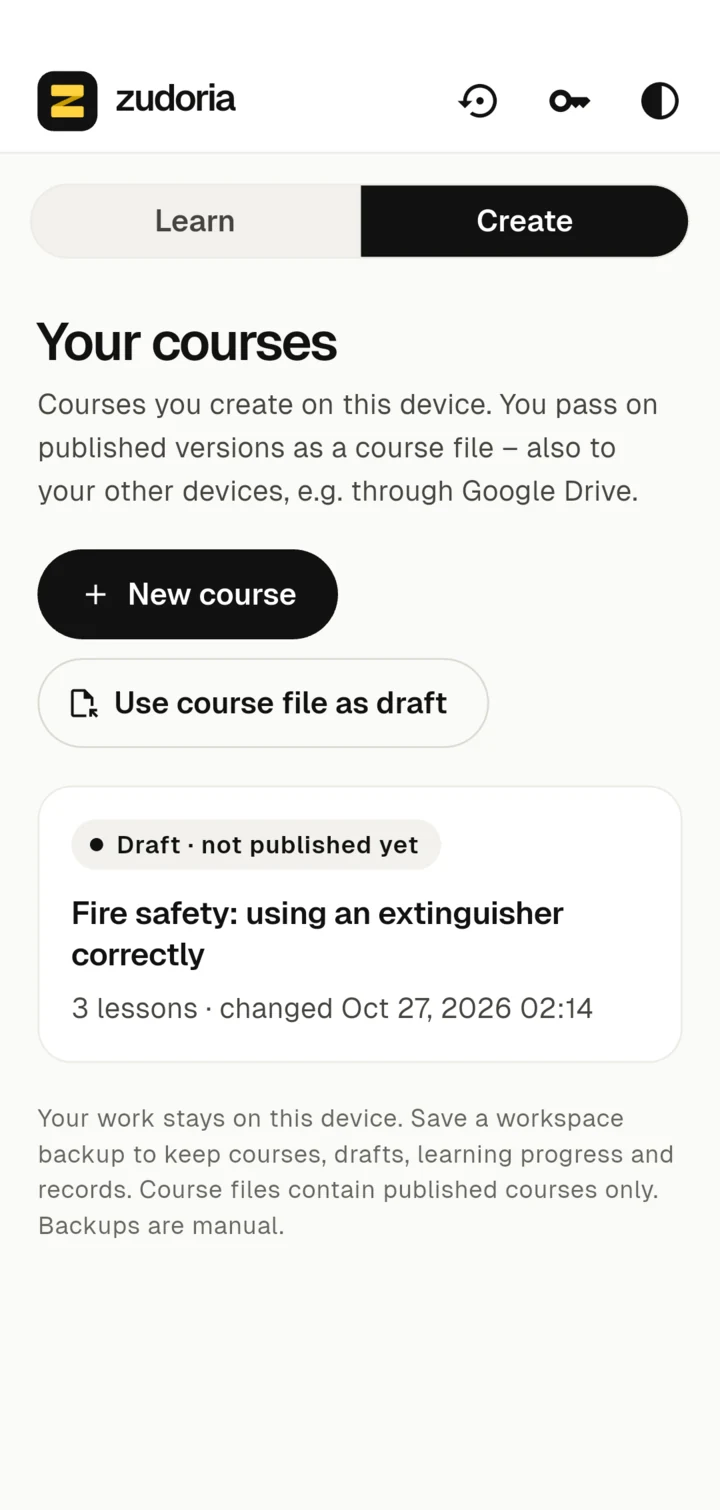
At the top of the app you switch between two areas:
- Learn: This is where the courses you have received are kept. You work through them, repeat exercises and find your participation confirmations.
- Create: This is where you build your own courses, edit videos and publish versions that you can pass on.
Anyone who creates courses can also learn. Both areas use the same course view, so in the Preview you see exactly what participants will see later.
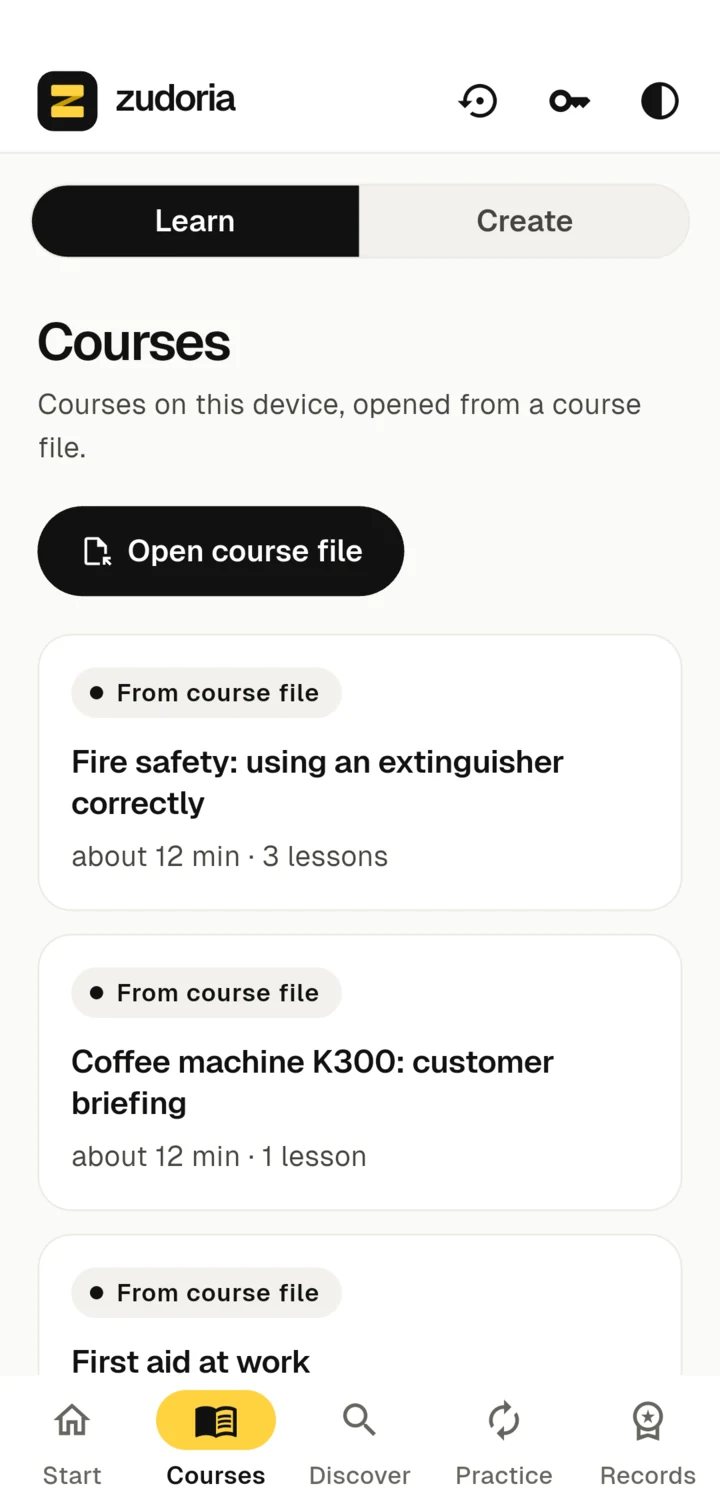
The bar in the Learn area
- Start and Discover are meant for training that an organisation assigns or makes available. As long as nobody does that, they stay empty.
- Courses shows all courses on this device.
- Practice repeats the practice questions of a course you have worked through.
- Records collects your participation confirmations.
Top right
- Appearance: Automatic follows your device setting; there are also Light and Dark.
- Backup: Saves courses, drafts, progress and records to a file, see Backup and devices.
- Activate Zudoria: Shows the remaining usage days and lets you buy the full version.
Try it for 30 usage days
You can try Zudoria free of charge for 30 usage days. Only days on which you actually edit or learn something are counted. Days on which the app is merely installed don't count.
You can see how many days are left under Activate Zudoria, for example "12 trial usage days remaining".
Activate the full version
- Tap Activate Zudoria at the top right.
- Tap Buy full version. Google Play shows the price for your country and completes the purchase.
- Zudoria verifies the purchase. Afterwards it says Zudoria is activated.
The full version is a one-time purchase, not a subscription. It is a personal licence for your own Android devices. On another device of your own, tap Restore Google Play purchase and sign in with the same Google Play account. The device needs an internet connection for this.
Courses are not part of the licence. Whoever offers courses decides how they are passed on. Opening and sharing course files is separate from the software licence.